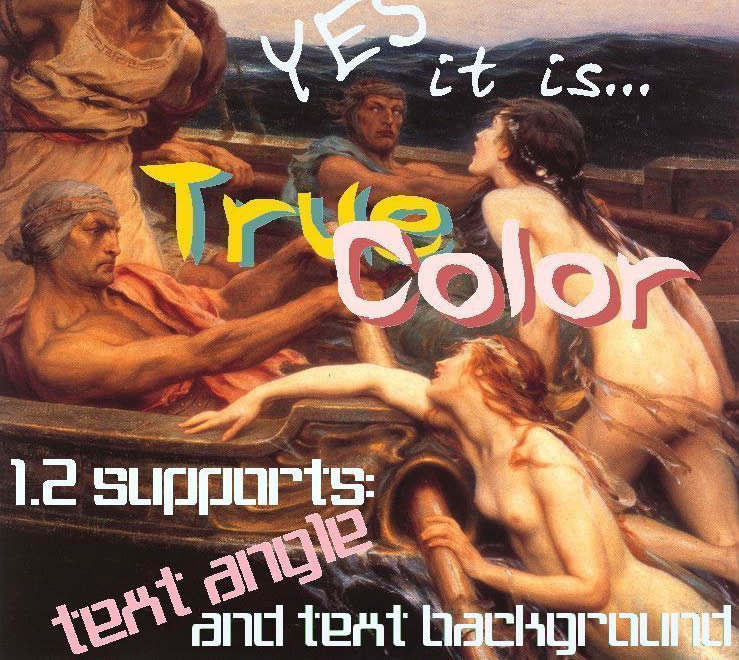
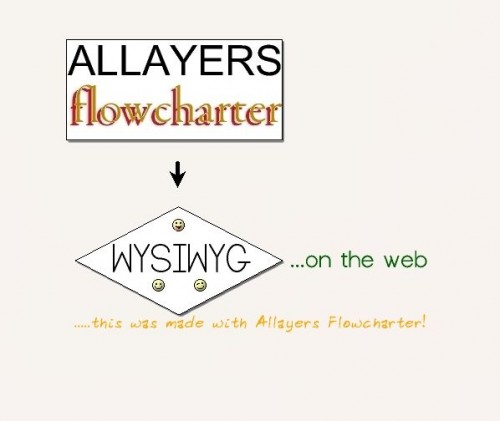
In 2004 Allayers.com started offering a free online image editing service named Truecolor. Some other online tools and ideas have also been demonstrated. Allayers.com plans to continue to sharing innovative concepts.
Allayers.com is brought to you by All Layers BV - a Dutch company specialized in the startup and development of internet based business concepts.
Truecolor and MyCanvas Project
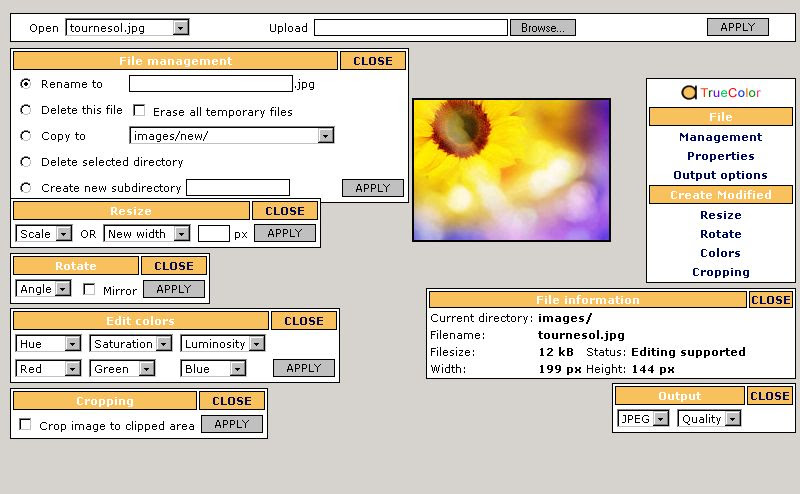
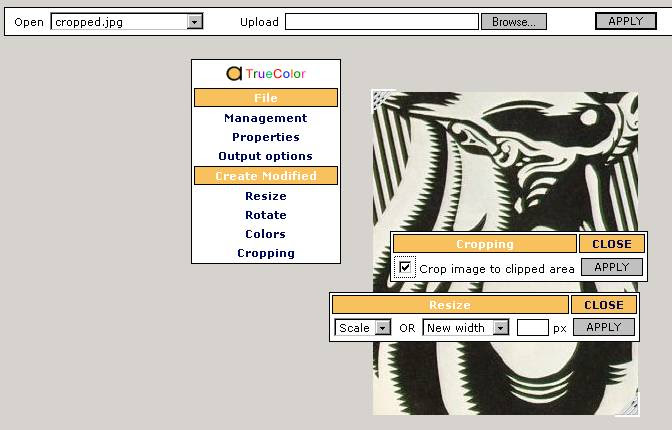
Upload a file (jpeg, png, gif) and edit the picture with drag drop features - just like a real photo editor. That was the idea behind Truecolor in 2004. A single PHP file could be downloaded and used at any PHP supporting host with the (default) GD library installed.
Spinoffs were the MyCanvas, Flowcharter and MyImage projects. MyCanvas featured a background image that pictures and text could be dragged around, dropped upon and resized. Flowcharter was based on the same idea but didn't support upload, but did work with shapes that would stick to grid lines.
MyCanvas 2.0
New (may 2016): MyCanvas 2.0 is now ready for testing! It features sketching with the mouse on top or under a picture. Touchscreens are also supported. Images can be uploaded or copyed from a remote source. Text in different font styles and sizes can be inserted. You can now make something like these:


The possibilities are endless
Making photo collages, adding text and drawings. Your creativity can run freely! Most of all this project attempts to give you an intuitive, easy to use way to access this kind of functionality from your browser on any computer.
- Selected images can be resized and dragged to a position.
- Multiple images can be stacked on top or under the drawing.
- Trace the outlines of an image and remove the background image.
- Insert text (as image) in various font styles, sizes, colour and background colour.
- Result images can be selected and used in other projects.
- Default the canvas is trimmed down (auto crop), the whole canvas can optionally be used as background.
- Result images can be exported as PNG, JPG or GIF image.
- Results can be shared.

Accounts are based on cookies. You can return later and still be able to open your images. Untouched projects expire in 14 days and will be erased. Uploading might sometimes fail with larger images.
Credits
MyCanvas 2.0 is based on the Bootstrap 3.0 SB Admin template, the JQuery UI framework, Atrament.js for the sketching on canvas and the Picture Cut JS plugin for uploading and cropping images.
Truecolor 2004 Screenshots
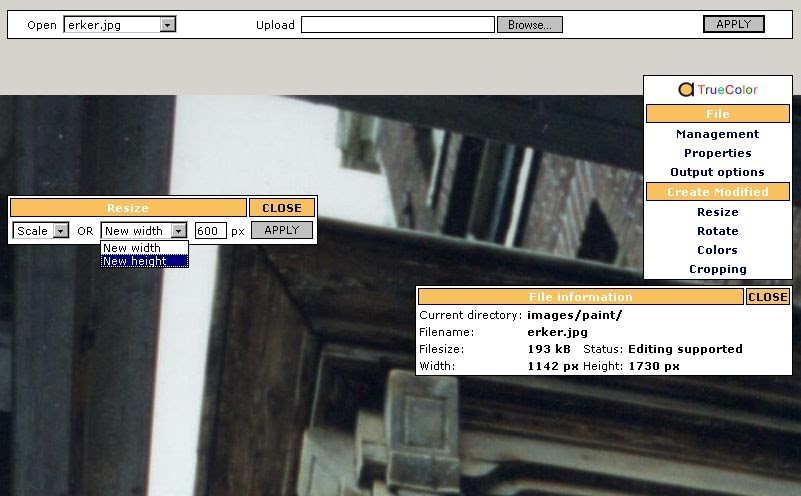
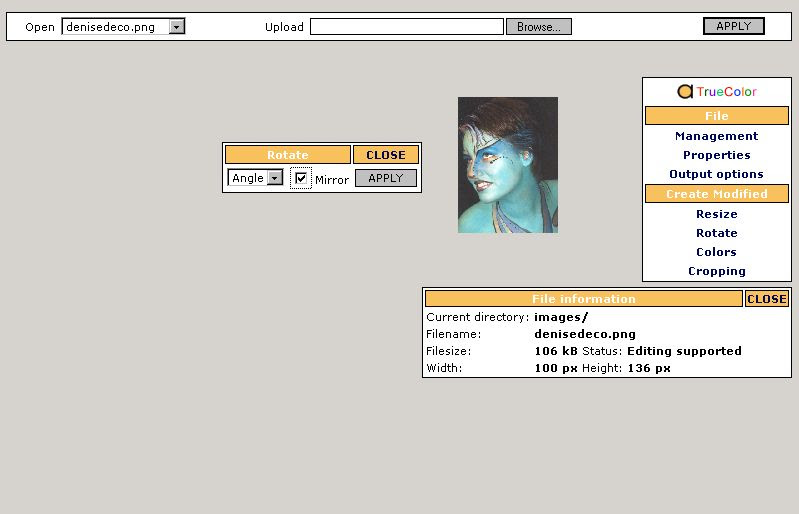
Truecolor 2004 Result Examples